The 0x80070643 error is a code most commonly seen during Windows Recovery Environment (WinRE) security updates and .NET updates. If the update keeps failing with an "Installation failed" message, the problem is usually corrupted update components or the WinRE partition. Here is the step-by-step fix.
Causes of the 0x80070643 Error
This error appears during an update because of corrupted system files, a damaged .NET Framework, a small WinRE recovery partition, or broken Windows Update components. In recent years it has been seen especially often during Windows Defender / WinRE security updates.
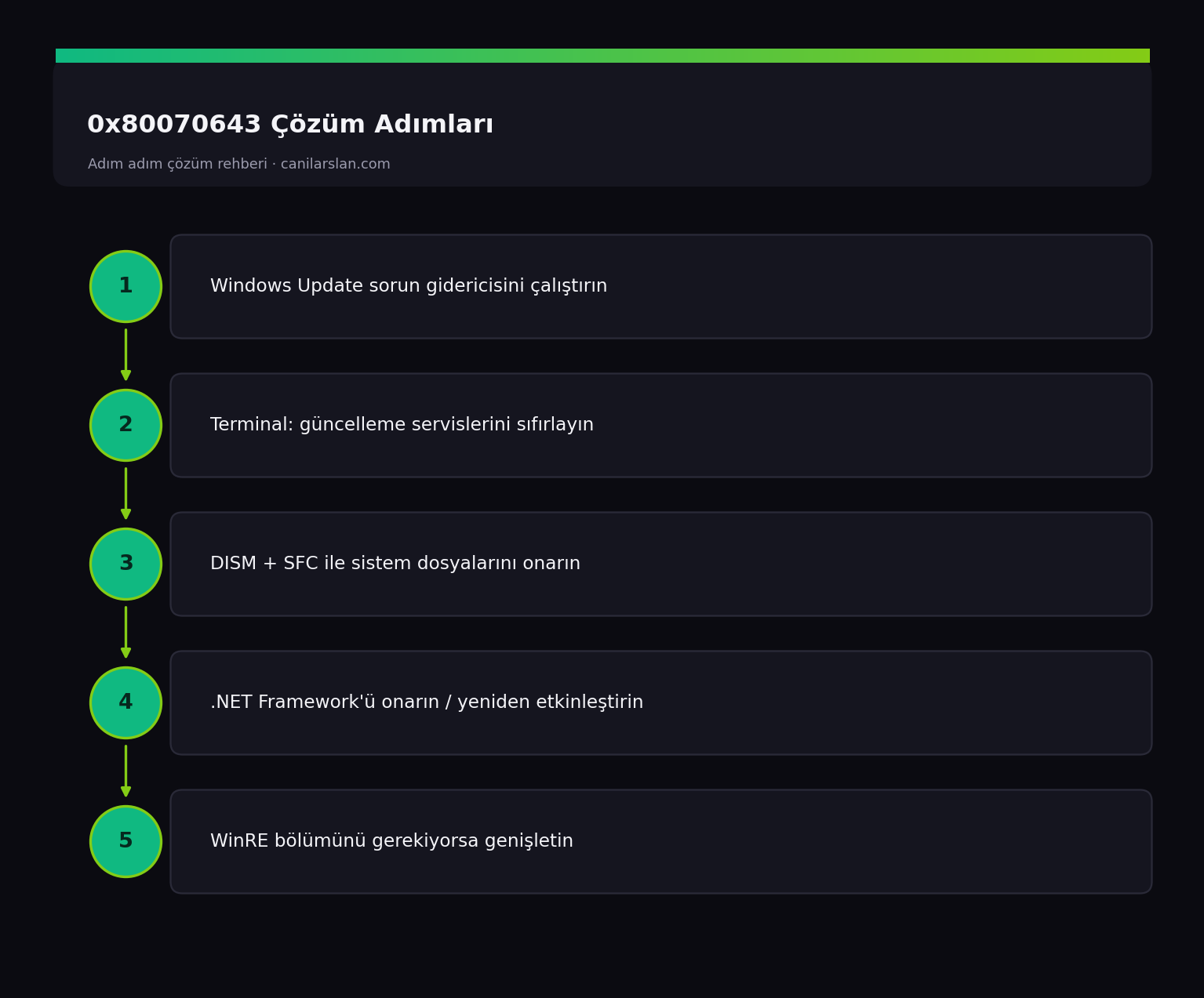
Solution 1: Run the Windows Update Troubleshooter
Run the troubleshooter via Settings > System > Troubleshoot > Other troubleshooters > Windows Update. This tool automatically resets the update services and cache, resolving simple cases.
Solution 2: Restart the Windows Update Services
Reset the update services in an administrator Terminal:
net stop wuauserv
net stop bits
net stop cryptsvc
ren %systemroot%\SoftwareDistribution SoftwareDistribution.old
net start wuauserv
net start bits
net start cryptsvc
After restarting the services, try the update again.
Solution 3: Repair System Files
To scan and fix corrupted system files, run in order:
DISM /Online /Cleanup-Image /RestoreHealth
sfc /scannow
Restart once the process is complete.
Solution 4: Repair the .NET Framework
If the error occurs during a .NET update, download and run Microsoft's official .NET Framework Repair Tool. In addition, turning the .NET Framework off and back on from the Turn Windows features on or off screen can also refresh it.
Solution 5: Extend the Recovery Partition for the WinRE Update
If the error appears during a WinRE security update (for example a recovery environment patch delivered via a KB), the cause is usually that the recovery partition is too small. You need to enlarge the recovery partition using the official steps Microsoft published for this situation (reagentc /disable, extending the partition, and reagentc /enable). Because this process works with disk partitions, back up your data first and follow the steps carefully.
Frequently Asked Questions (FAQ)
Is the 0x80070643 error dangerous?
No, it simply means the update could not be installed; it does not damage the system. However, since the security update cannot be installed, it is recommended to resolve it to keep your system up to date.
The same update keeps coming back and always fails — is that normal?
Yes, a failed update will keep appearing in the list. After resetting the components and running SFC/DISM, it usually installs when you try again.
Do I have to extend the WinRE partition?
It is only necessary if the error appears during a WinRE update and the other methods have not worked. In other cases, resetting the components and running SFC/DISM is sufficient.
Conclusion
0x80070643 is a fixable error caused by update components or .NET. Running the troubleshooter and resetting the update services, followed by SFC/DISM and a .NET repair, resolves most cases. In WinRE-related cases, you need to extend the recovery partition.