DPC_WATCHDOG_VIOLATION is one of the most common blue screen codes on Windows 11, and it usually points to a hardware incompatibility or an outdated driver. It is especially common among users with SSDs and external devices. Here are the causes and a step-by-step fix.
What Causes DPC_WATCHDOG_VIOLATION?
The DPC (Deferred Procedure Call) watchdog is a monitor that checks the system's response times. If a device or driver takes longer than expected to respond, this error is triggered. The most common causes are: an outdated SATA AHCI controller driver, out-of-date SSD firmware, incompatible external devices (USB hard drive, printer, peripherals) and corrupted system files.
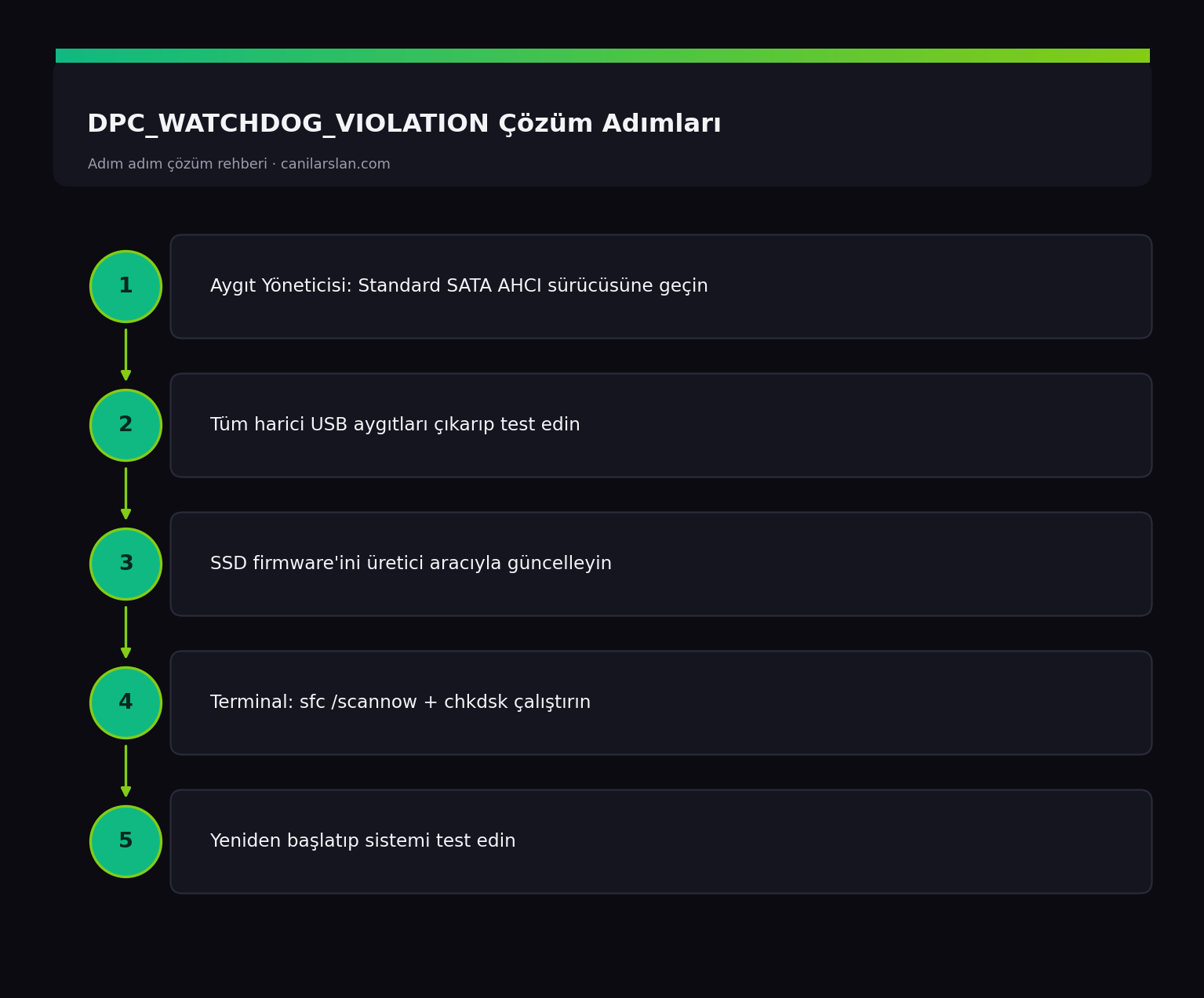
Fix 1: Repair the SATA AHCI Controller Driver
This is the fix that works most often. Open Device Manager > IDE ATA/ATAPI controllers. Right-click the "Standard SATA AHCI Controller" device and choose Update driver > Browse my computer for drivers > Let me pick from a list of available drivers on my computer, then select and install Standard SATA AHCI Controller. Then restart.
Fix 2: Remove External Devices
If the error started after you plugged in a new external device, unplug all USB devices (external drives, printers, docks, peripherals) and test the computer on its own. If the problem disappears, plug the devices back in one by one to find which one is causing it, then update that device's driver.
Fix 3: Update Your SSD Firmware
Outdated SSD firmware is a known cause of this error. Download your SSD manufacturer's tool (Samsung Magician, Crucial Storage Executive, Kingston SSD Manager, etc.) and install the latest firmware. Don't forget to back up your data before updating the firmware.
Fix 4: Repair System Files
In an administrator Terminal, scan and repair the system files in order:
sfc /scannow
chkdsk C: /f /r
chkdsk will ask for a restart; type Y and confirm. These operations fix errors caused by the file system and system files.
Frequently Asked Questions (FAQ)
What causes this error most often?
The most common cause is an outdated or incompatible SATA AHCI controller driver. Replacing the driver with Windows' standard AHCI driver resolves most cases.
Is updating SSD firmware risky?
It is safe when done with the official manufacturer tool, but the computer must not shut down during the process. Back up your important data first.
The error only appears when a specific device is plugged in?
That means the device is incompatible or its driver is corrupted. Install the manufacturer's latest driver; if that doesn't fix it, you may need to replace the device.
Conclusion
DPC_WATCHDOG_VIOLATION usually stems from a driver or hardware incompatibility. Switching to the standard SATA AHCI driver and updating your SSD firmware are the most effective fixes. After these steps, the error is very unlikely to recur.