If Windows 11 throws the "Windows couldn't be activated (0xC004F074)" error, it means the system can't reach the licensing server. This error is commonly seen with enterprise (KMS) licenses, date/time issues, or connection blocks. Here is the step-by-step fix.
Why Does Error 0xC004F074 Occur?
This error appears when Windows can't reach the server it needs to contact for activation (especially the KMS server on enterprise networks). The most common causes are: an incorrect system date/time, a temporary access issue with the KMS server, the digital license not reconnecting after a hardware change, and network/security settings that block the connection.
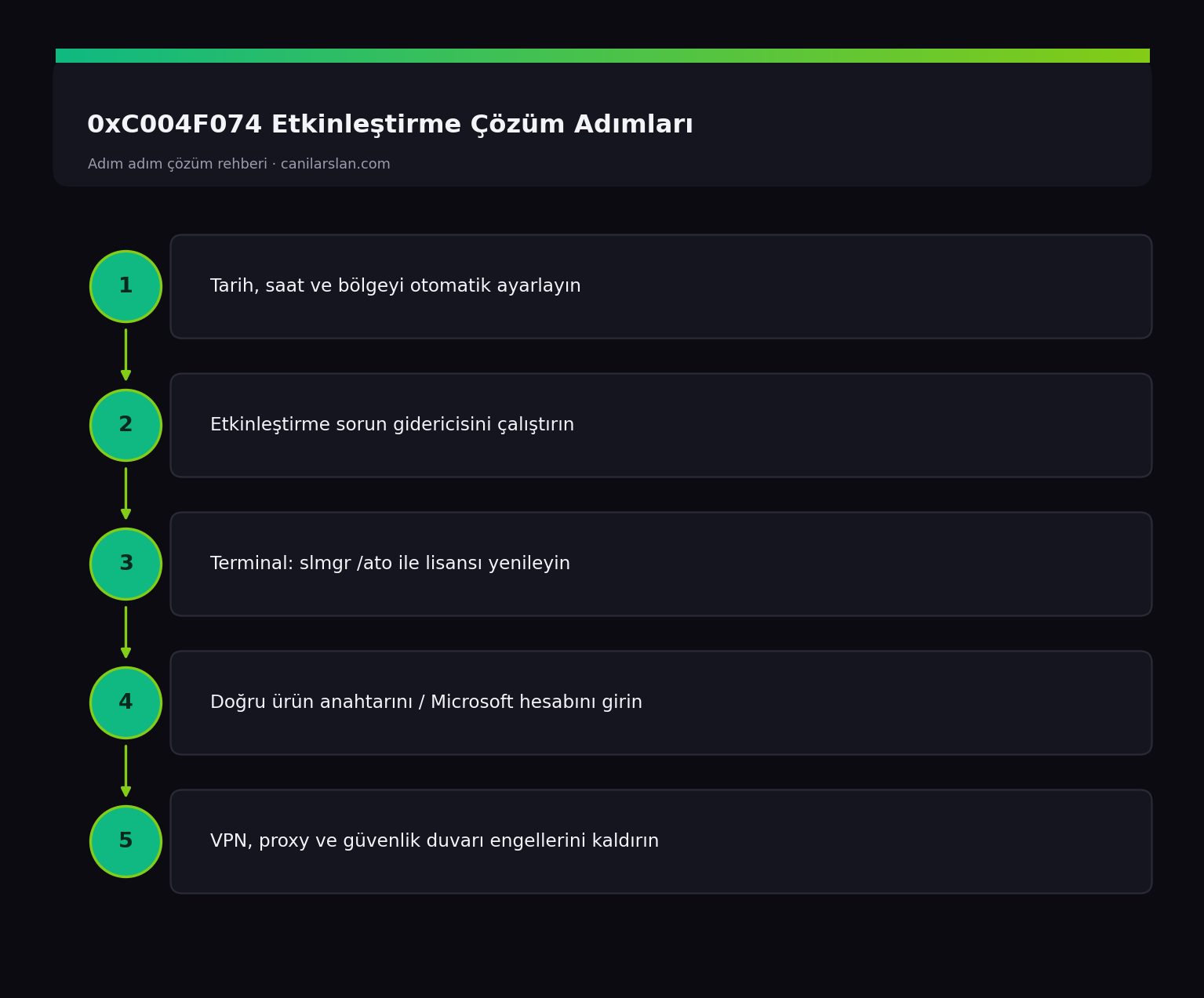
Fix 1: Correct the Date, Time and Region
An incorrect system clock frequently breaks activation. Go to Settings > Time & language > Date & time, turn on Set time automatically and Set time zone automatically, click Sync now, then try activating again.
Fix 2: Run the Activation Troubleshooter
Go to Settings > System > Activation. If the Troubleshoot option appears, run it. This tool automatically detects and fixes common activation problems; it is especially useful for reconnecting the digital license after a hardware change.
Fix 3: Refresh the License from the Command Line
Try refreshing the license status in an administrator Terminal. In an enterprise/KMS environment:
slmgr /atoThis command re-triggers activation. To view the license status you can use slmgr /xpr, and for details slmgr /dlv. If the error persists on an enterprise machine, confirm with your IT administrator that the KMS server is reachable.
Fix 4: Enter the Correct Product Key
A wrong product key or one that doesn't match your edition can also cause this error. From Settings > System > Activation > Change product key, enter a valid key matching the edition you own (Home/Pro). If you have a digital license, signing in with your Microsoft account may automatically restore activation.
Fix 5: Remove Connection Blocks
A VPN, proxy, or strict firewall rules can block access to the activation server. Temporarily disable the VPN/proxy and try activating again. If you are on a corporate network, make sure activation traffic isn't being blocked.
Frequently Asked Questions (FAQ)
Does the 0xC004F074 error mean my license is invalid?
No, the license is usually valid; the system simply can't reach the activation server. Fixing the date/time and connection is generally enough.
Windows lost activation after I changed hardware — what should I do?
Run the activation troubleshooter, use the "I changed hardware on this device recently" option, and sign in with your Microsoft account to reconnect the digital license.
Can I fix this error myself on my corporate computer?
Enterprise KMS activation depends on the IT department. If the problem persists after trying slmgr /ato, you'll need to contact your IT administrator for access to the KMS server.
Conclusion
0xC004F074 is usually not a license invalidity issue but a failure to reach the activation server. Correcting the date/time, the activation troubleshooter, and slmgr /ato resolve most individual cases. In enterprise environments, IT support may be needed for KMS server access.